Navigating the GCP Support Maze: A Guide to Resources
Even seasoned cloud professionals encounter hiccups. Whether it's a perplexing error message or a quest for best practices, knowing where to look can save you time and sanity. Let's uncover the…

Hello, fellow cloud navigators! Ever found yourself lost in the vast expanse of Google Cloud Platform (GCP) documentation, like a sailor without a compass? Fear not! Today, we’re diving into the treasure trove of GCP Support and Documentation Resources. We’ll explore how to find answers faster than you can say “Cloudy with a chance of Kubernetes!”
So grab your explorer’s hat, and let’s embark on this adventure together!
Why GCP Support Matters
Even seasoned cloud professionals encounter hiccups. Whether it’s a perplexing error message or a quest for best practices, knowing where to look can save you time and sanity. Let’s uncover the secrets!
The Official GCP Documentation Library
Navigating the Docs Like a Pro
The official Google Cloud Documentation is your first port of call. Here’s how to make the most of it:
**Use the Search Bar**: It's like Google Search but for GCP! Type in keywords related to your issue.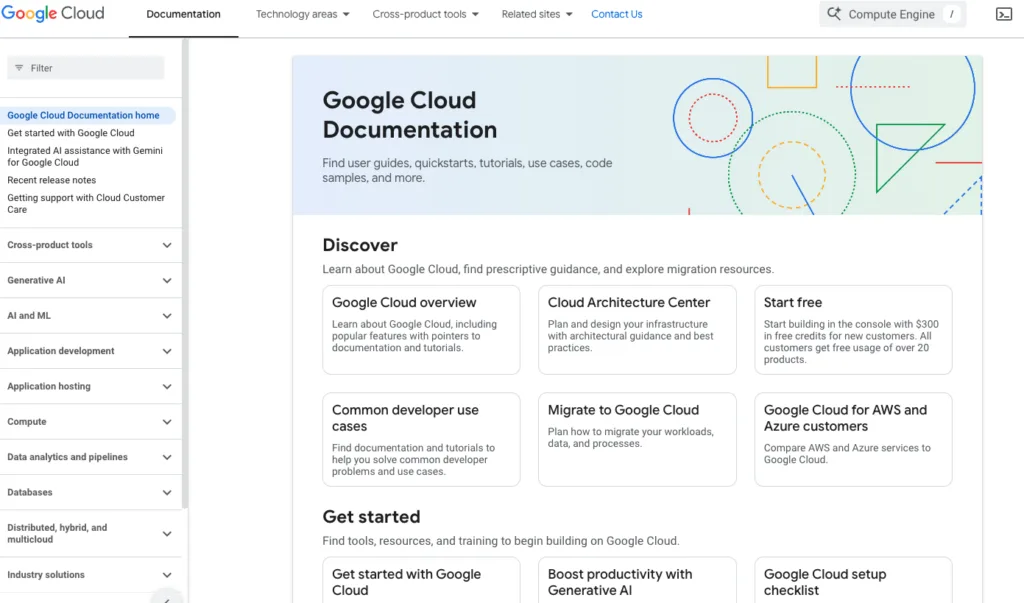
The GCP Documentation page with the search bar highlighted.
-
Explore by Product: Browse documentation by product categories like Compute, Storage, or AI.
-
Check the Tutorials: Step-by-step guides are available for common tasks.
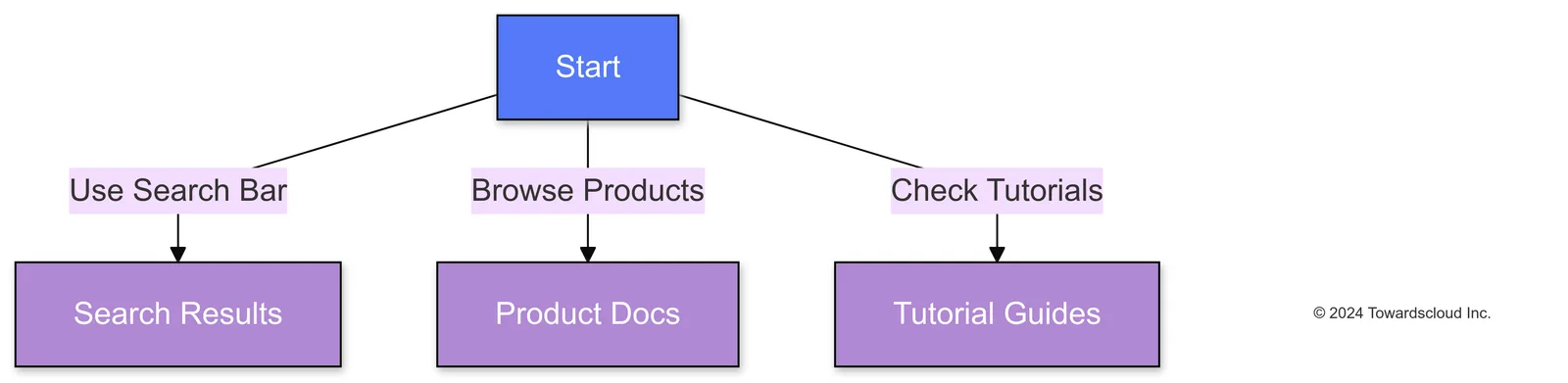
Different paths to find information in GCP Documentation.
Pro Tips for Documentation Diving
- Stay Updated: Look for the “Last updated” timestamp to ensure you’re viewing current info.
- Use Filters: Narrow down search results by product or content type.
- Bookmark Favorites: Save frequently used pages for quick access.
Understanding GCP Support Plans
Choose Your Adventure: Support Tiers
GCP offers several support plans to fit your needs (and wallet). Let’s break them down:
-
Basic (Free): Access to documentation and community forums. Great for DIY enthusiasts!
-
Development ($100/month): For development and testing environments. Includes business hours support.
-
Production ($250/month): Ideal for production workloads with 24/7 support and faster response times.
-
Enterprise (Custom Pricing): For mission-critical applications requiring personalized support.

The progression of GCP support plans.
Real-Life Example: Picking the Right Plan
Imagine you’re running a small e-commerce site. You start with the Basic plan but realize you need quicker support during peak sales. Upgrading to Production ensures you have 24/7 assistance when that Black Friday traffic hits!
Leveraging Community Resources
The Power of Community Forums
Sometimes, the best answers come from fellow developers who’ve faced the same challenges.
- Google Cloud Community: Official forums where you can ask questions and share knowledge.
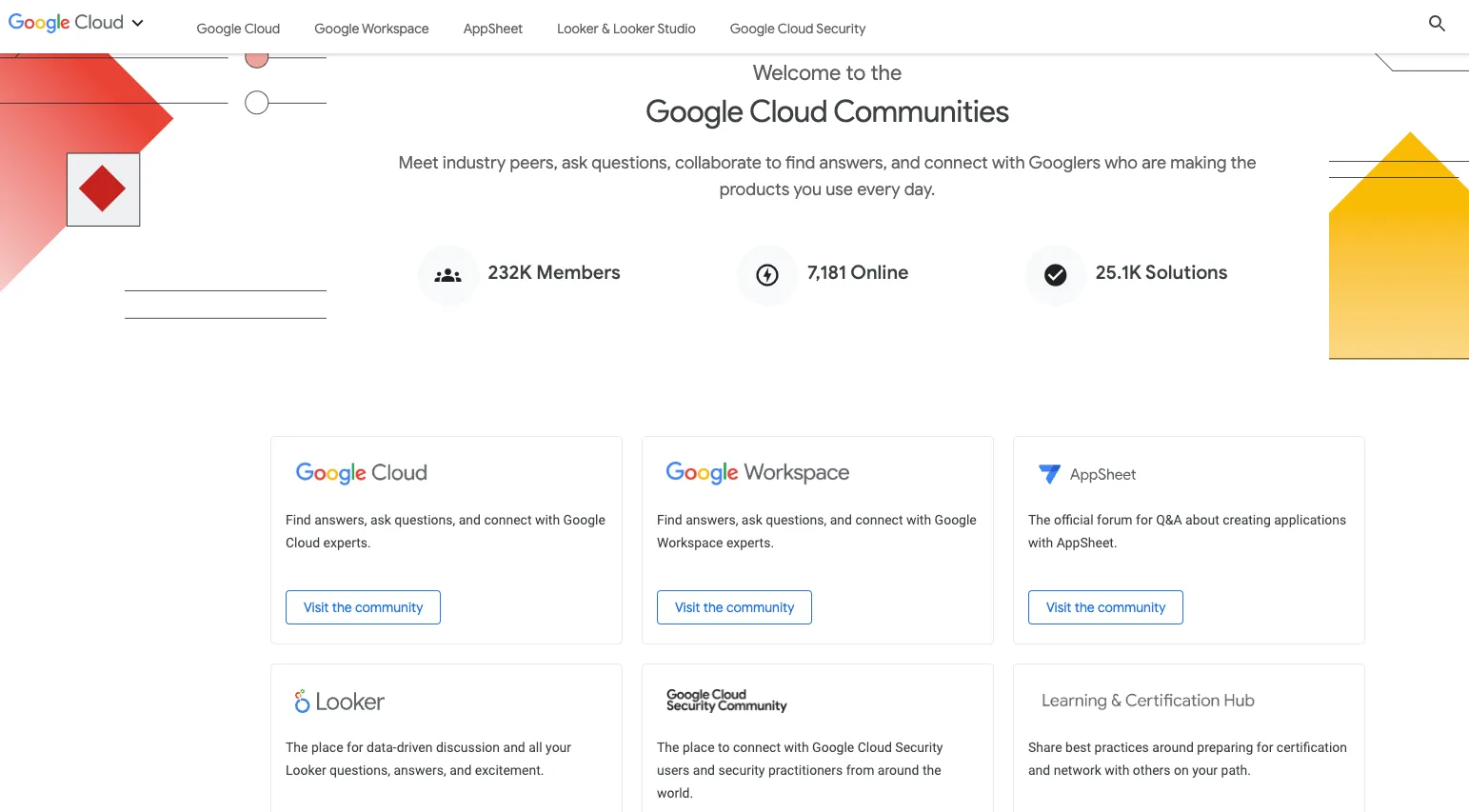
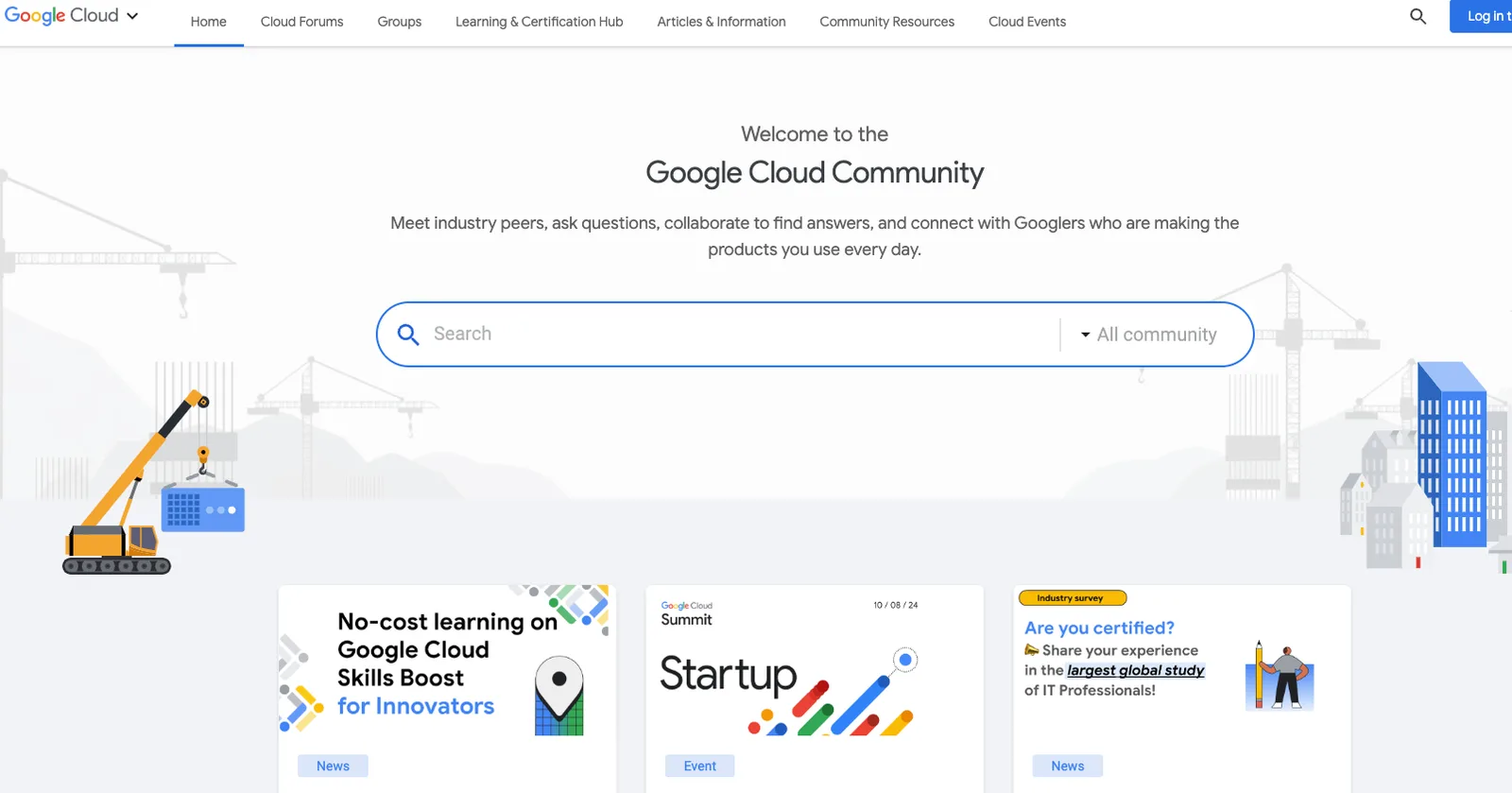
The Google Cloud Community homepage with active discussions.
**Stack Overflow**: A developer's best friend. Tag your questions with `google-cloud-platform`.**Reddit**: Subreddits like [r/googlecloud](https://www.reddit.com/r/googlecloud/) offer informal discussions.Networking with Peers
- Join Meetups: Virtual or local events to connect with others.
- Follow Experts on Twitter: Get insights and updates from GCP gurus.
Troubleshooting Tips and Tricks
When in Doubt, Log it Out
Logs are your best friend when things go haywire.
**Cloud Logging**: Centralized logs for all your GCP services.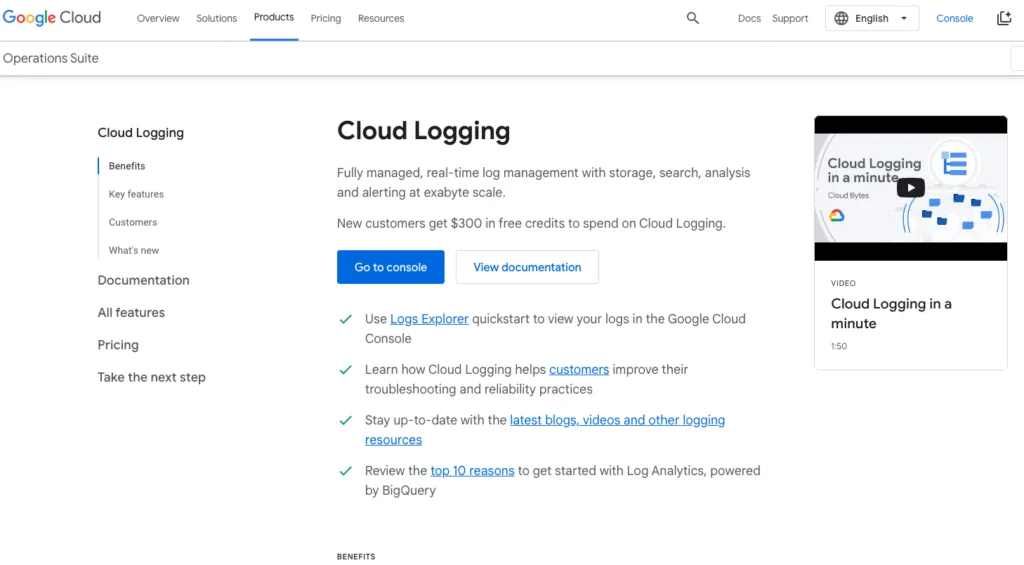
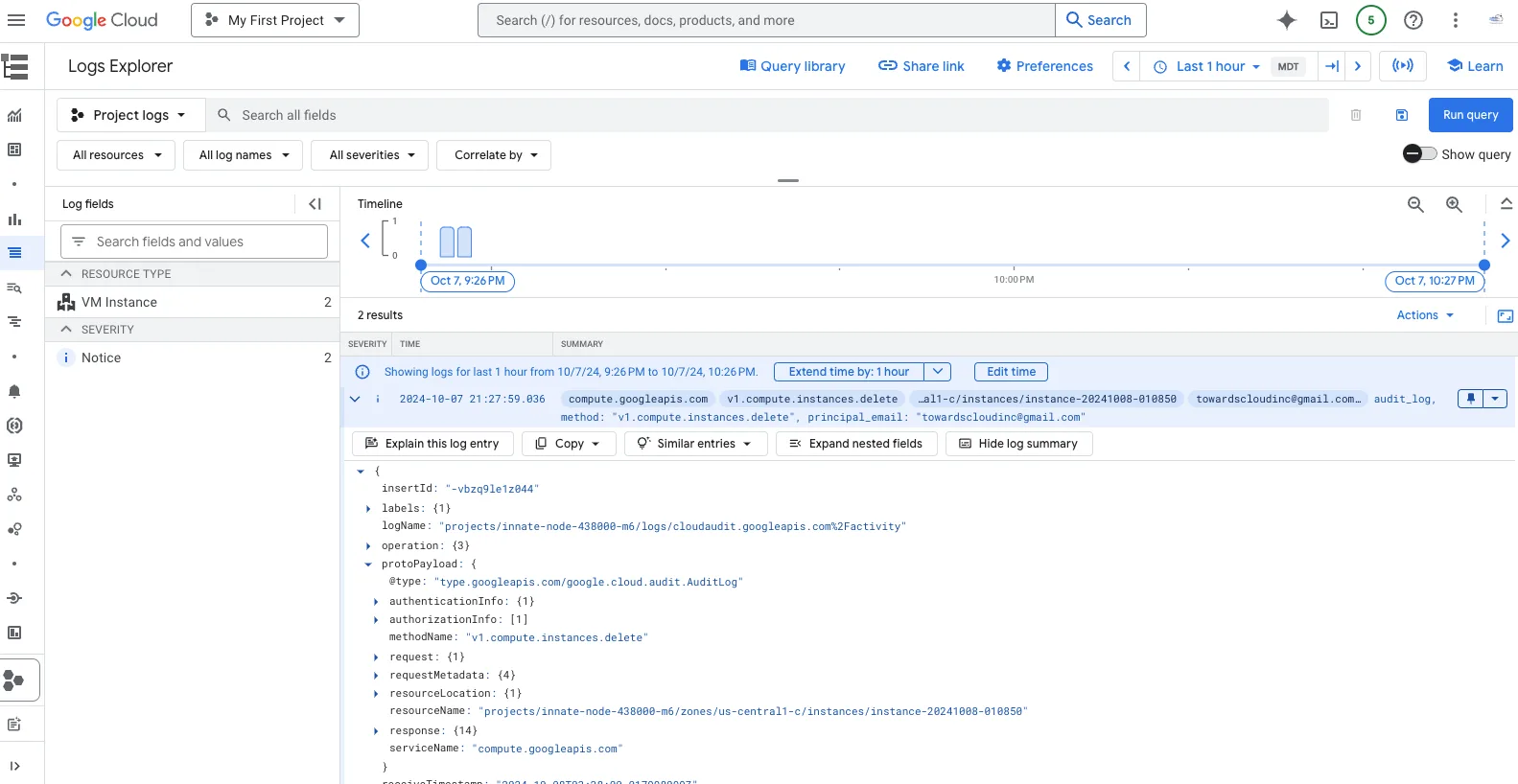
The Cloud Logging dashboard showing logs from various services.
Common Pitfall: Ignoring Quotas and Limits
- Check Quotas: Hitting a resource limit can cause failures.
- Solution: Navigate to IAM & Admin > Quotas to view and request increases.
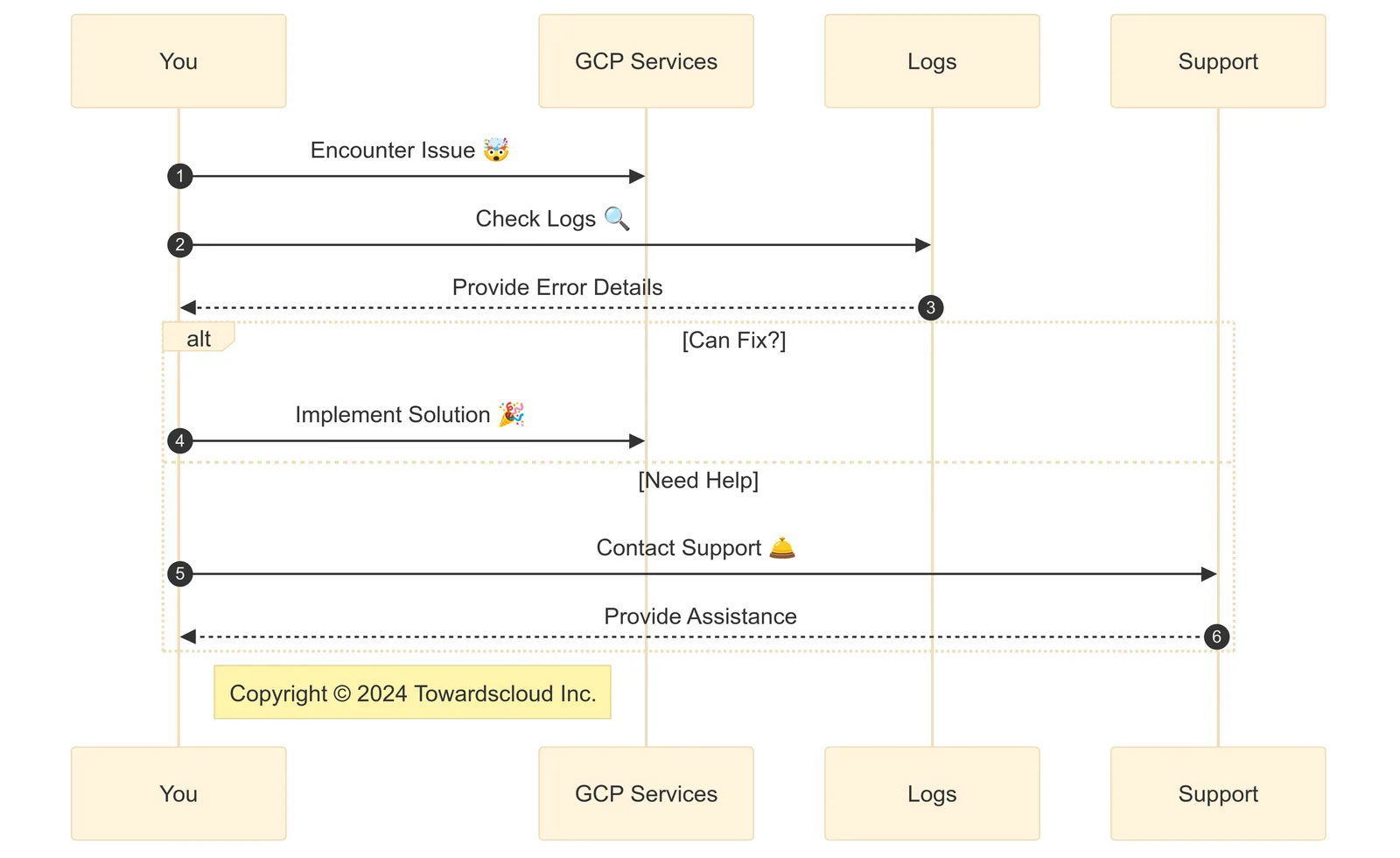
Steps to troubleshoot an issue.
Accessing Support: A Step-by-Step Guide
Step 1: Identify the Issue
Is it a billing problem, a service outage, or a configuration error?
Step 2: Check Service Status
Visit the GCP Service Health Dashboard to rule out outages.
Step 3: Use In-Console Support
Click on the **"Help"** icon (question mark) in the top-right corner of the console.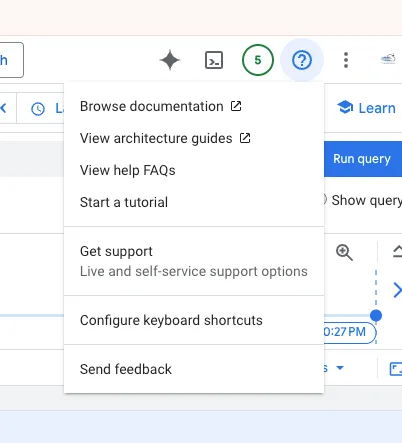 The Help icon in the GCP Console.
Select **"Get Support"**.Step 4: Submit a Support Ticket
- Fill in the details of your issue.
- Attach logs or screenshots for clarity.
Avoiding Common Pitfalls
Pitfall 1: Not Setting Up Billing Alerts
Oops Moment: You receive an unexpectedly high bill.
Solution: Set up billing alerts under Billing > Budgets & alerts to monitor spending.
Pitfall 2: Overlooking IAM Permissions
Oops Moment: Team members can’t access resources.
Solution: Use IAM & Admin to assign appropriate roles and permissions.
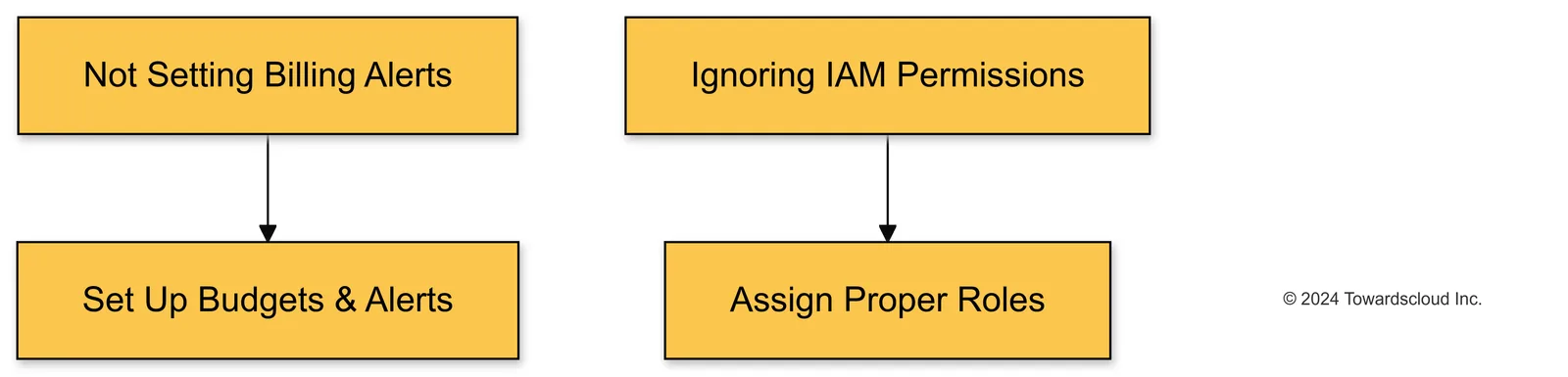
Common pitfalls and how to avoid them.
Extra Support Options
Premium Support for Enterprises
- Technical Account Manager (TAM): Personalized support and guidance.
- 24/7 Phone Support: Immediate assistance for critical issues.
Training and Certification
- Qwiklabs: Hands-on labs to sharpen your skills.
- Coursera and Pluralsight Courses: In-depth learning paths.
Final Thoughts and Best Practices
- Stay Curious: The cloud is ever-changing. Keep learning!
- Engage with the Community: Sharing is caring.
- Document Your Journey: Keep notes of solutions for future reference.
Conclusion
Navigating GCP support and documentation doesn’t have to feel like finding a needle in a haystack. With these resources and tips, you’re well-equipped to tackle any cloud challenge that comes your way. So go forth and cloud with confidence!
Got any tips or stories about using GCP support? Share them in the comments below! Let’s learn from each other’s adventures.
Disclaimer: This guide is for educational purposes. Always refer to the official GCP documentation for the most up-to-date information.
Additional Resources
Happy Clouding!
Part 7 of 7 · Exploring Google Cloud Platform (GCP)